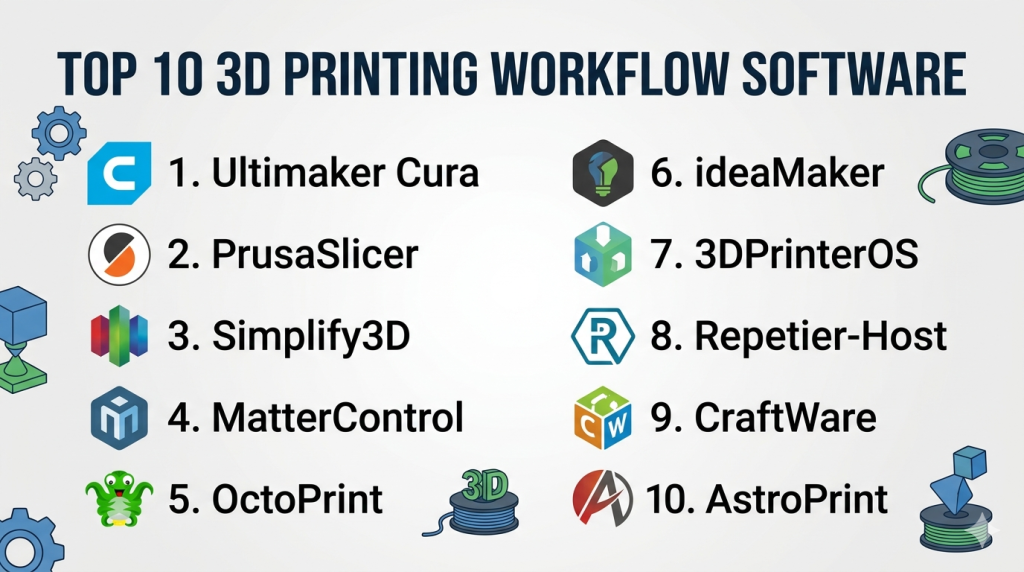
3D printing workflow software plays a crucial role in transforming digital designs into physical objects. It includes tools for slicing, printer control, and workflow management. Choosing the right software can significantly improve print quality, efficiency, and overall productivity.
🥇 1. Ultimaker Cura
- Type: Slicer + workflow integration
- Best for: Beginners to professionals
- Key features:
- User-friendly interface
- Wide printer compatibility
- Plugin support and customization
🥈 2. PrusaSlicer
- Type: Advanced slicer
- Best for: Intermediate to advanced users
- Key features:
- Custom supports and multi-material printing
- Highly configurable settings
- Regular updates and strong community
🥉 3. Simplify3D
- Type: Premium slicer
- Best for: Professionals
- Key features:
- Advanced print optimization
- Manual support customization
- Precise control over toolpaths
4. MatterControl
- Type: All-in-one software
- Best for: Beginners and hobbyists
- Key features:
- Built-in design tools
- Integrated slicing and control
- Simple workflow management
5. OctoPrint
- Type: Printer control & monitoring
- Best for: Remote printing
- Key features:
- Web-based interface
- Real-time monitoring
- Extensive plugin ecosystem
6. ideaMaker
- Type: Slicer + workflow tool
- Best for: Reliable slicing
- Key features:
- Advanced support generation
- Detailed print preview
- Smooth workflow integration
7. 3DPrinterOS
- Type: Cloud workflow platform
- Best for: Enterprises & education
- Key features:
- Cloud-based slicing
- Multi-user collaboration
- Print queue management
8. Repetier-Host
- Type: Printer control + slicer integration
- Best for: Multi-printer setups
- Key features:
- Supports multiple slicers
- Real-time control
- Multi-printer management
9. CraftWare
- Type: Slicer software
- Best for: Custom workflows
- Key features:
- Detailed slicing visualization
- Advanced toolpath control
- Lightweight performance
10. AstroPrint
- Type: Cloud-based workflow software
- Best for: Remote and mobile printing
- Key features:
- Wireless printing
- Cloud storage
- Easy printer integration
⚡ Conclusion
The best 3D printing workflow software depends on your needs and experience level. Beginners may prefer simple slicers, while professionals and businesses benefit from advanced tools and cloud-based management systems. Combining the right software tools creates a smooth and efficient 3D printing workflow.
