Introduction
3D modeling tools are software applications used to create digital objects in three dimensions. These tools allow users to design everything from simple shapes to highly detailed characters, environments, and products. The modeling process involves shaping objects using polygons, surfaces, or sculpting techniques to build realistic or stylized 3D assets.
Today, 3D modeling tools are essential across industries—from entertainment and gaming to architecture and product design. With advancements in real-time rendering, AI-assisted workflows, and cloud collaboration, these tools are more powerful and accessible than ever.
Common use cases:
- Game development and character design
- Film, animation, and VFX production
- Product visualization and prototyping
- Architecture and interior design
- 3D printing and digital fabrication
What buyers should evaluate:
- Modeling types (polygonal, sculpting, procedural)
- Ease of use and learning curve
- Rendering capabilities
- Performance with complex scenes
- Integration with other tools (game engines, CAD)
- Plugin and extension ecosystem
- Collaboration features
- File format compatibility
- Hardware requirements
- Pricing and licensing model
Best for: 3D artists, game developers, animators, designers, and studios working on visual content or digital assets.
Not ideal for: Pure engineering or manufacturing workflows—CAD tools are better suited for precision-based design.
Key Trends in 3D Modeling Tools
- AI-assisted modeling (auto-retopology, smart sculpting)
- Real-time rendering with GPU acceleration
- Procedural and node-based workflows
- Cloud-based collaboration tools
- Integration with game engines
- Photogrammetry for real-world asset creation
- Cross-platform accessibility
- Asset marketplaces for faster production
- Automation via scripting and APIs
- AR/VR-ready design workflows
How We Selected These Tools (Methodology)
- Evaluated market adoption and popularity
- Assessed feature completeness across modeling workflows
- Reviewed performance with high-poly scenes
- Considered ease of use for beginners and professionals
- Analyzed integration ecosystems
- Evaluated community support and documentation
- Included both free and paid tools
- Considered pricing accessibility
- Assessed versatility across industries
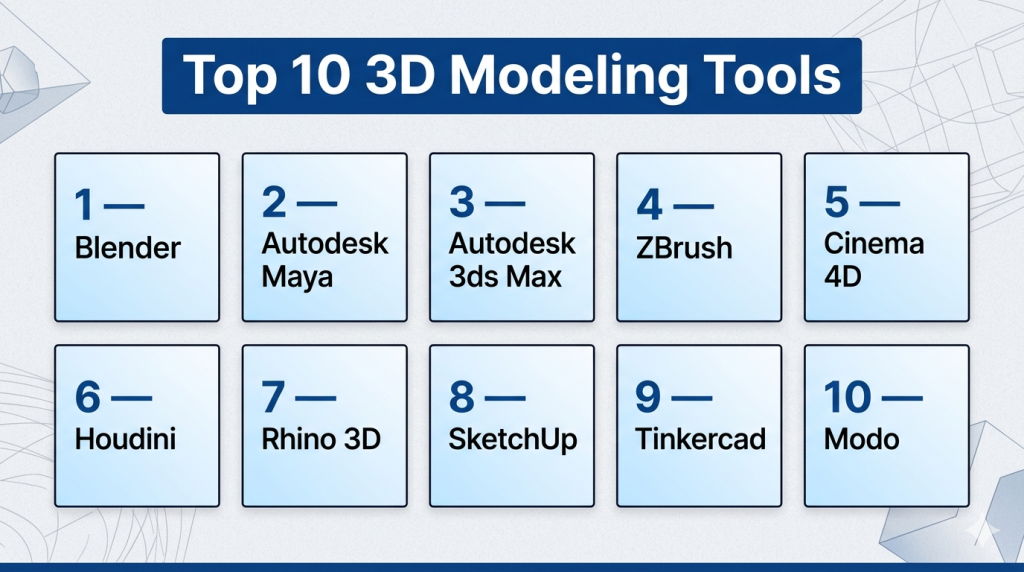
Top 10 3D Modeling Tools
#1 — Blender
Short description: A free, open-source 3D modeling suite offering a complete pipeline for modeling, animation, rendering, and simulation.
Key Features
- Polygon modeling and sculpting tools
- Geometry nodes for procedural modeling
- Real-time rendering engine
- Simulation tools (fluid, cloth, particles)
- UV mapping and texturing
- Python scripting support
Pros
- Completely free and open-source
- Full end-to-end 3D pipeline
- Massive community support
Cons
- Steep learning curve
- Interface can feel overwhelming
Platforms / Deployment
Windows / macOS / Linux
Security & Compliance
Not publicly stated
Integrations & Ecosystem
Blender supports a wide range of integrations and add-ons.
- Game engines (Unity, Unreal Engine)
- Python API
- Plugin ecosystem
- External render engines
Support & Community
Extremely large community with tutorials, forums, and plugins.
#2 — Autodesk Maya
Short description: A professional-grade 3D modeling and animation tool widely used in film, gaming, and VFX industries.
Key Features
- Advanced polygon and NURBS modeling
- Sculpting and texturing tools
- Rigging and animation systems
- High-quality rendering
- Simulation tools
Pros
- Industry standard for animation
- Powerful feature set
Cons
- Expensive
- Complex for beginners
Platforms / Deployment
Windows / macOS / Linux
Security & Compliance
Not publicly stated
Integrations & Ecosystem
- Game engines
- Studio pipelines
- APIs and scripting
Support & Community
Strong professional ecosystem and training resources.
#3 — Autodesk 3ds Max
Short description: A modeling and rendering tool popular in architecture, visualization, and game development.
Key Features
- Polygon and spline modeling
- Modifier stack system
- Rendering tools
- Animation support
- Plugin compatibility
Pros
- Powerful modeling workflows
- Extensive plugin support
Cons
- Windows-only
- Steep learning curve
Platforms / Deployment
Windows
Security & Compliance
Not publicly stated
Integrations & Ecosystem
- Rendering engines
- Game engines
- Plugins and scripts
Support & Community
Large professional user base.
#4 — ZBrush
Short description: A specialized sculpting tool designed for creating highly detailed organic models and characters.
Key Features
- Digital sculpting with brushes
- High-resolution mesh support
- Polypainting tools
- Dynamic tessellation
- Retopology tools
Pros
- Industry-leading sculpting
- Handles extremely detailed models
Cons
- Unique interface
- Not ideal for hard-surface modeling
Platforms / Deployment
Windows / macOS
Security & Compliance
Not publicly stated
Integrations & Ecosystem
ZBrush integrates with major 3D tools for full workflows.
- Maya
- Blender
- Cinema 4D
- Integration tools
Support & Community
Strong artist-focused community.
#5 — Cinema 4D
Short description: A professional 3D tool known for motion graphics, ease of use, and stability.
Key Features
- Procedural modeling tools
- Motion graphics system
- Real-time rendering
- Node-based workflows
- Animation tools
Pros
- Easy to learn
- Stable and reliable
Cons
- Expensive
- Limited advanced modeling depth
Platforms / Deployment
Windows / macOS
Security & Compliance
Not publicly stated
Integrations & Ecosystem
- Creative software ecosystems
- Plugins and render engines
- Motion graphics pipelines
Support & Community
Strong creative community and learning resources.
#6 — Houdini
Short description: A procedural 3D modeling and VFX tool known for node-based workflows and simulations.
Key Features
- Node-based procedural modeling
- Advanced simulations (fluid, smoke, destruction)
- Scalable workflows
- Custom scripting
- High-performance rendering
Pros
- Extremely powerful and flexible
- Ideal for complex effects
Cons
- Very steep learning curve
- Overkill for simple projects
Platforms / Deployment
Windows / macOS / Linux
Security & Compliance
Not publicly stated
Integrations & Ecosystem
- Studio pipelines
- APIs
- Render engines
Support & Community
Strong VFX and technical artist community.
#7 — Rhino 3D
Short description: A precision modeling tool known for NURBS-based design and flexibility.
Key Features
- NURBS modeling
- Plugin ecosystem
- Rendering tools
- Scripting support
- 3D printing compatibility
Pros
- Excellent for precise and freeform design
- Affordable
Cons
- Limited animation features
- UI complexity
Platforms / Deployment
Windows / macOS
Security & Compliance
Not publicly stated
Integrations & Ecosystem
- Grasshopper
- Plugins
- Rendering tools
Support & Community
Strong industrial design community.
#8 — SketchUp
Short description: A beginner-friendly modeling tool widely used in architecture and interior design.
Key Features
- Simple interface
- 3D asset library
- Web-based modeling
- Extensions marketplace
- Visualization tools
Pros
- Very easy to learn
- Fast for basic modeling
Cons
- Limited advanced features
- Not ideal for complex models
Platforms / Deployment
Windows / macOS / Web
Security & Compliance
Not publicly stated
Integrations & Ecosystem
- Plugin marketplace
- Rendering tools
- Cloud collaboration
Support & Community
Large global user base.
#9 — Tinkercad
Short description: A browser-based modeling tool designed for beginners, students, and hobbyists.
Key Features
- Drag-and-drop interface
- Web-based platform
- Basic modeling tools
- 3D printing export
- Educational features
Pros
- Extremely easy to use
- Free
Cons
- Very limited capabilities
- Not suitable for professionals
Platforms / Deployment
Web / Cloud
Security & Compliance
Not publicly stated
Integrations & Ecosystem
- Educational tools
- 3D printing workflows
Support & Community
Beginner-focused support and tutorials.
#10 — Modo
Short description: A professional modeling and rendering tool focused on design, visualization, and product development.
Key Features
- Polygon modeling
- Sculpting tools
- Rendering engine
- UV mapping
- Procedural workflows
Pros
- Strong modeling tools
- Flexible workflows
Cons
- Smaller community
- Expensive
Platforms / Deployment
Windows / macOS / Linux
Security & Compliance
Not publicly stated
Integrations & Ecosystem
- Rendering engines
- Plugins
- APIs
Support & Community
Moderate community and documentation.
Conclusion
3D modeling tools are essential for modern digital creation across industries. From free tools like Blender to advanced platforms like Maya and Houdini, each solution serves a specific purpose.
There is no single “best” tool—only the one that fits your workflow, skill level, and goals.
